Arcade Cabinets
A CSS showcase of my favorite games
January 2024
I’ve always loved video games, and I’ve always loved retro video games. I wanted to see if I could replicate that same sense of charm and nostalgia I get when playing my old Super Nintendo in a website.
A Creative Inspiration
In early 2024, I set out to create a proof of concept for a game modal for a different application I was working on. I had this idea of having a tiny arcade cabinet “pop up” on the screen and serve as a game modal. While I didn’t eventually find a good place for it in that specific project, I couldn’t bear to let the idea (and time I spent on it) go to waste.
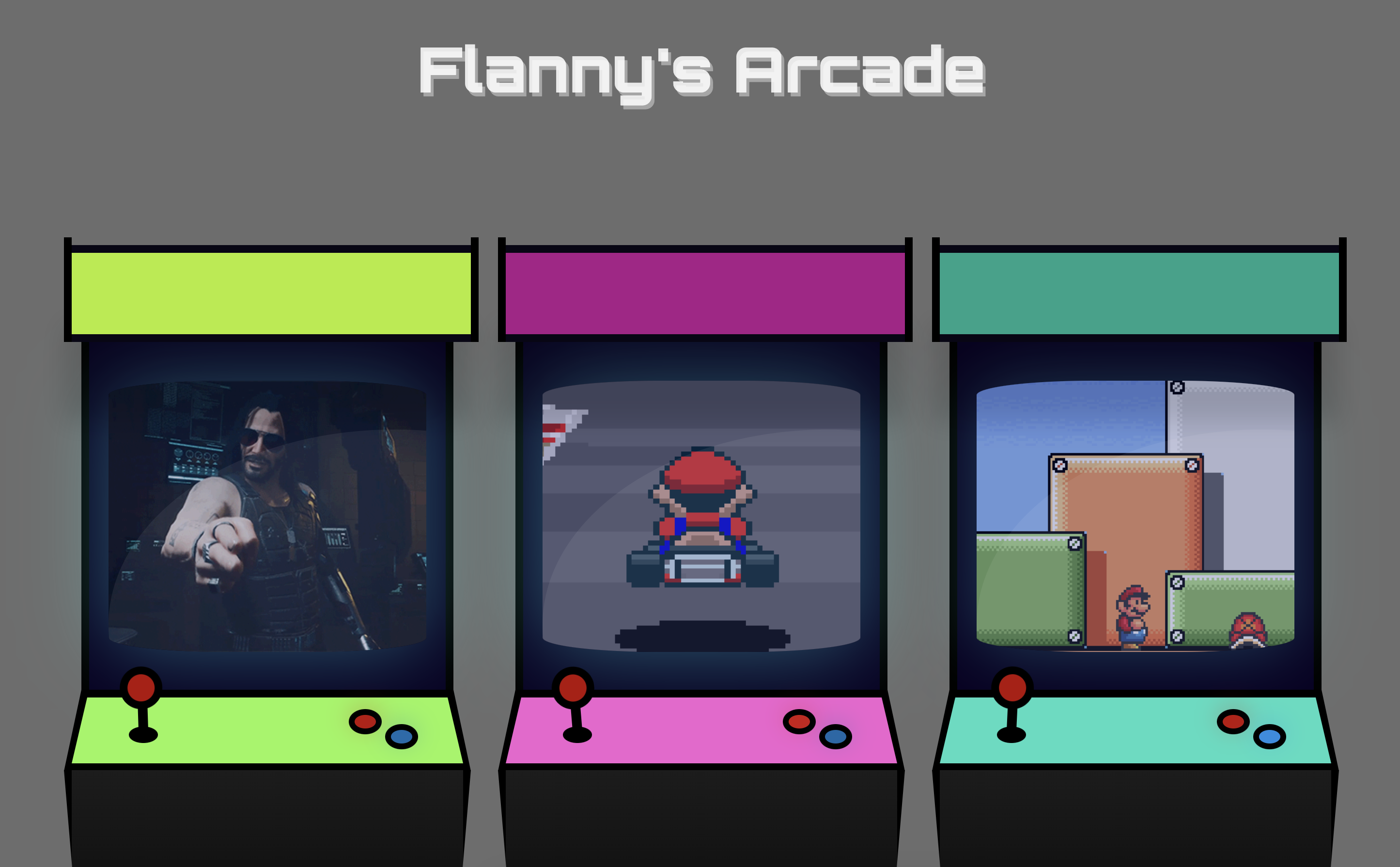
I decided instead to build a dedicated showcase for these cabinets, using them to “house” GIFs of some of my favorite games. I spent some time working within the CSS ecosystem, integrating a whole range of modern design features to create an immersive and engaging experience for the user.
The CSS Approach
Each arcade cabinet is built entirely in CSS — no images, no SVGs. The cabinet body, screen bezel, marquee, joystick, and buttons are all div elements with borders, gradients, and border-radius properties. This was the interesting technical constraint: could I make something that looks like a cabinet using only the browser’s layout engine?
The answer is yes, with some patience. Some fun parts I’d like to point out are the curved screen with a shine overlay, the flickering blue light of the screen, and the dancing joystick.
Battle Bros
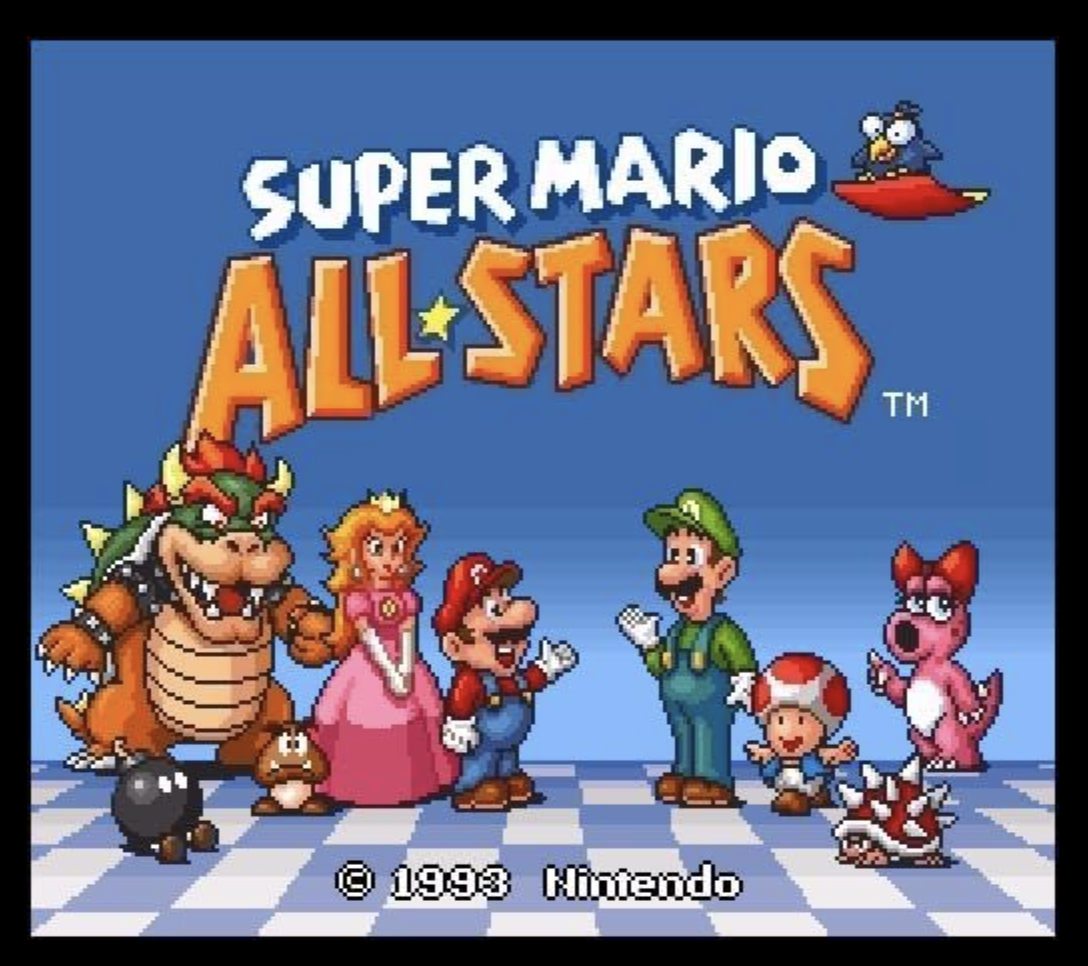
I want to talk about Battle Bros. In Super Mario All-Stars (Super Mario 3) There is a game, only referred to as Battle Game.
My friend and I are really good at Battle Game but I don’t think there are professional level competitions in it. If you know of any, please contact me immediately.